Find a misplaced phone
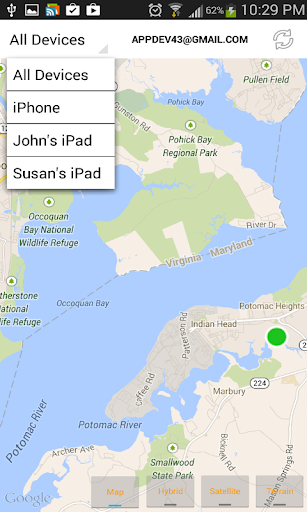
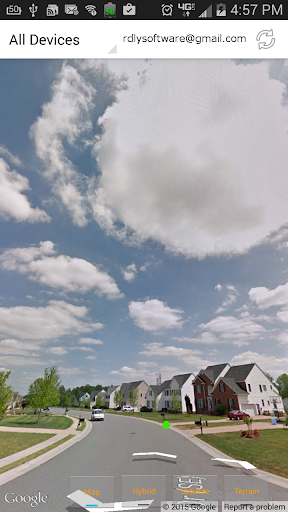
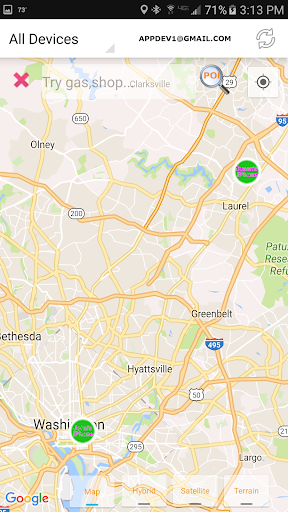
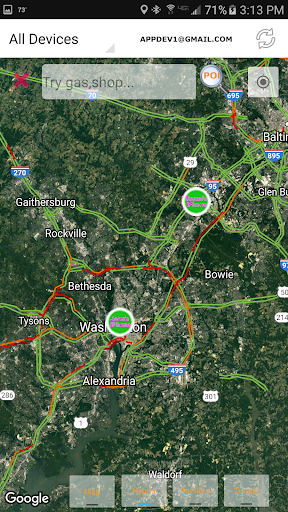
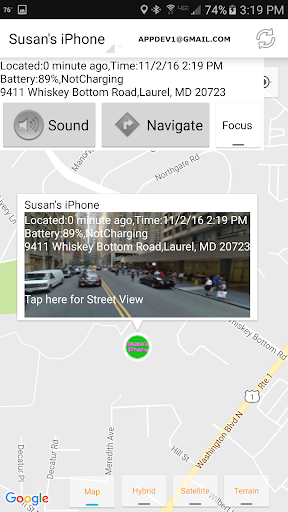
xfi Find iPhone iCloud Android helps you check the location of an iPhone or other supported device from an Android app. It is for people who want one place to look for an iOS device, or to locate an Android device they have connected to the service. The app is a tool for finding devices, not a general map or navigation app.
How it works
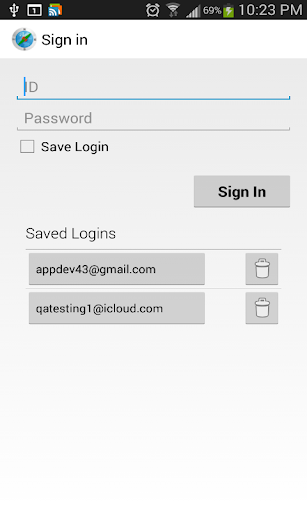
For an iPhone, iPad or Mac, sign in with the iCloud account used on that device. The target device needs iCloud and location services enabled for its location to be available. For an Android device, install the companion xfi Endpoint app on that device and set it up with an email address and PIN. Then use those details in xfi to check its location.
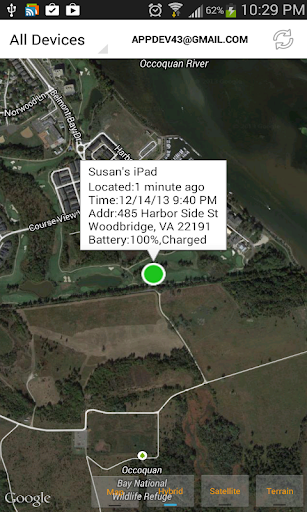
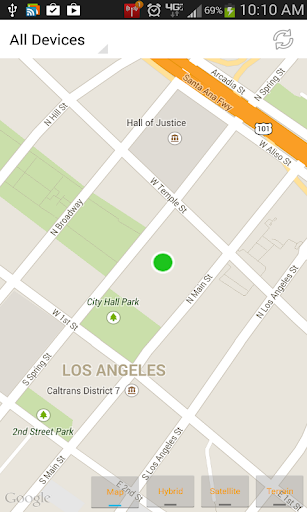
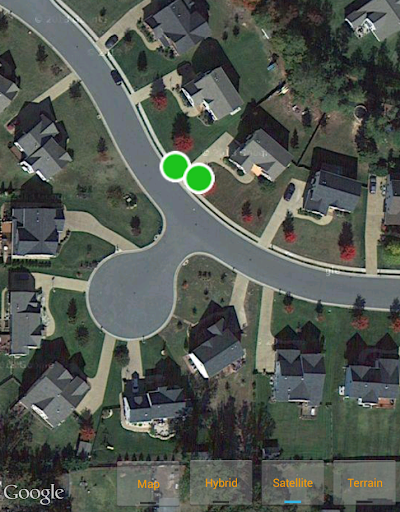
The app can show a recent location when it cannot get a fresh one. That means the point on the map may not show where the device is right now. Check when the location was updated before relying on it to find a device.
Who it may suit
This app may help if you regularly misplace a phone, or need to check the location of a device you have permission to access. It is less useful if the target device has not been set up, is not sharing location, or you do not have the account details needed to connect it. For Android tracking, the companion app must also be set up on the device you want to find.
Rating and details
xfi Find iPhone iCloud Android is listed in the Tools category and is made by funrealitysoftware. It has a 3.4 out of 5 rating from about 43,000 reviews, with more than 5 million installs. Those figures can help you gauge how widely it is used, but they do not tell you whether it will work with your particular device or account.